IImage to Image
  • Image to Image
  • AI Image Editor
  • My Creations
  • Pricing
NewImage to Image AI is now live! Try it out
IMAGE TO IMAGE AI GENERATOR

Image to Image AI Generator

Upload a reference image, describe the change, and generate a new version online. Create product photos, portraits, artwork, and marketing visuals with multiple AI models.

5 models

Image

0/5

Preview

Your transformation appears here

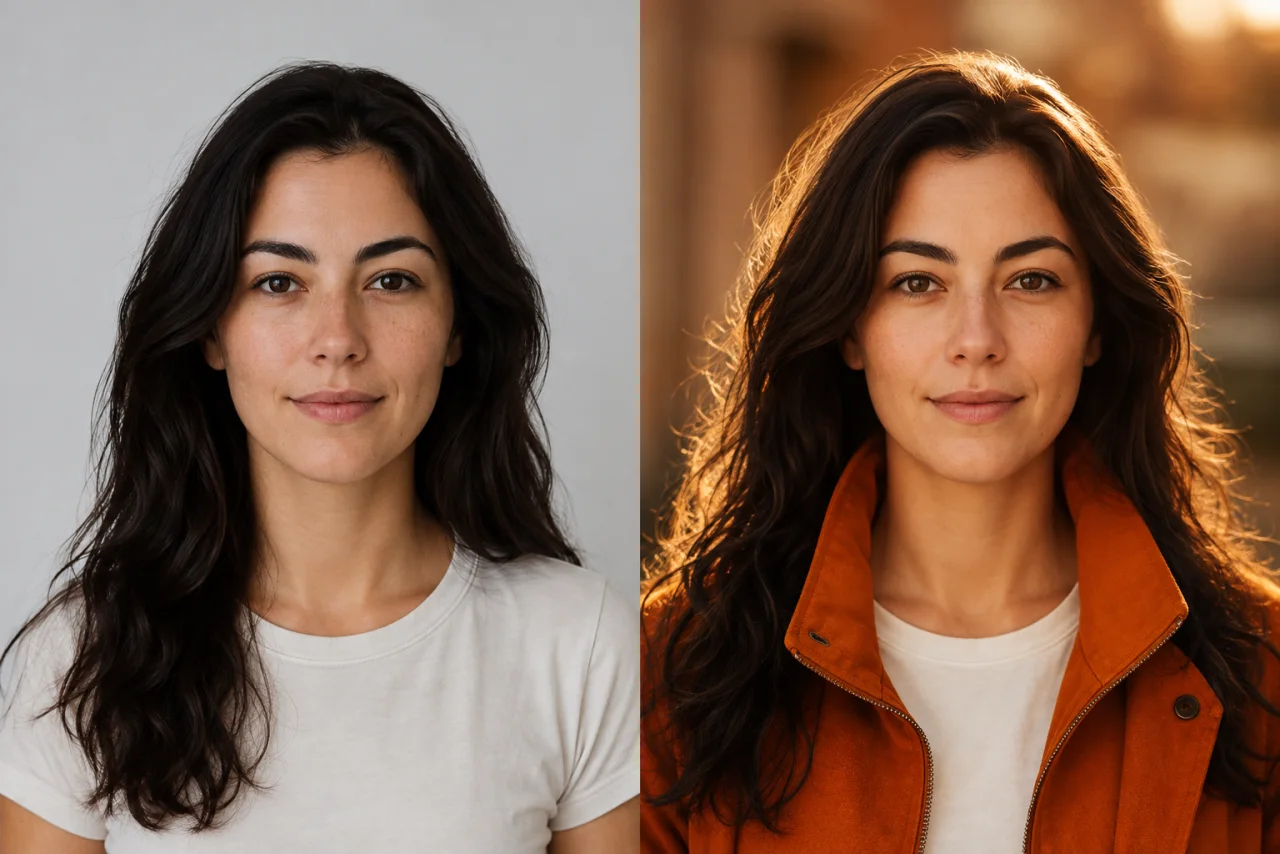
Before: Portrait restyled with warm cinematic lighting and an orange jacket

Prompt: Add warm cinematic lighting and an orange jacket

After: Portrait restyled with warm cinematic lighting and an orange jacket
Images are saved to your generation history

Consistent Characters with Image to Image AI

Use a reference image to keep faces, proportions, and visual styles consistent across different poses, outfits, and backgrounds. It is ideal for storytelling, branding, and creative projects that need reliable visual continuity.

Try Image to Image AI
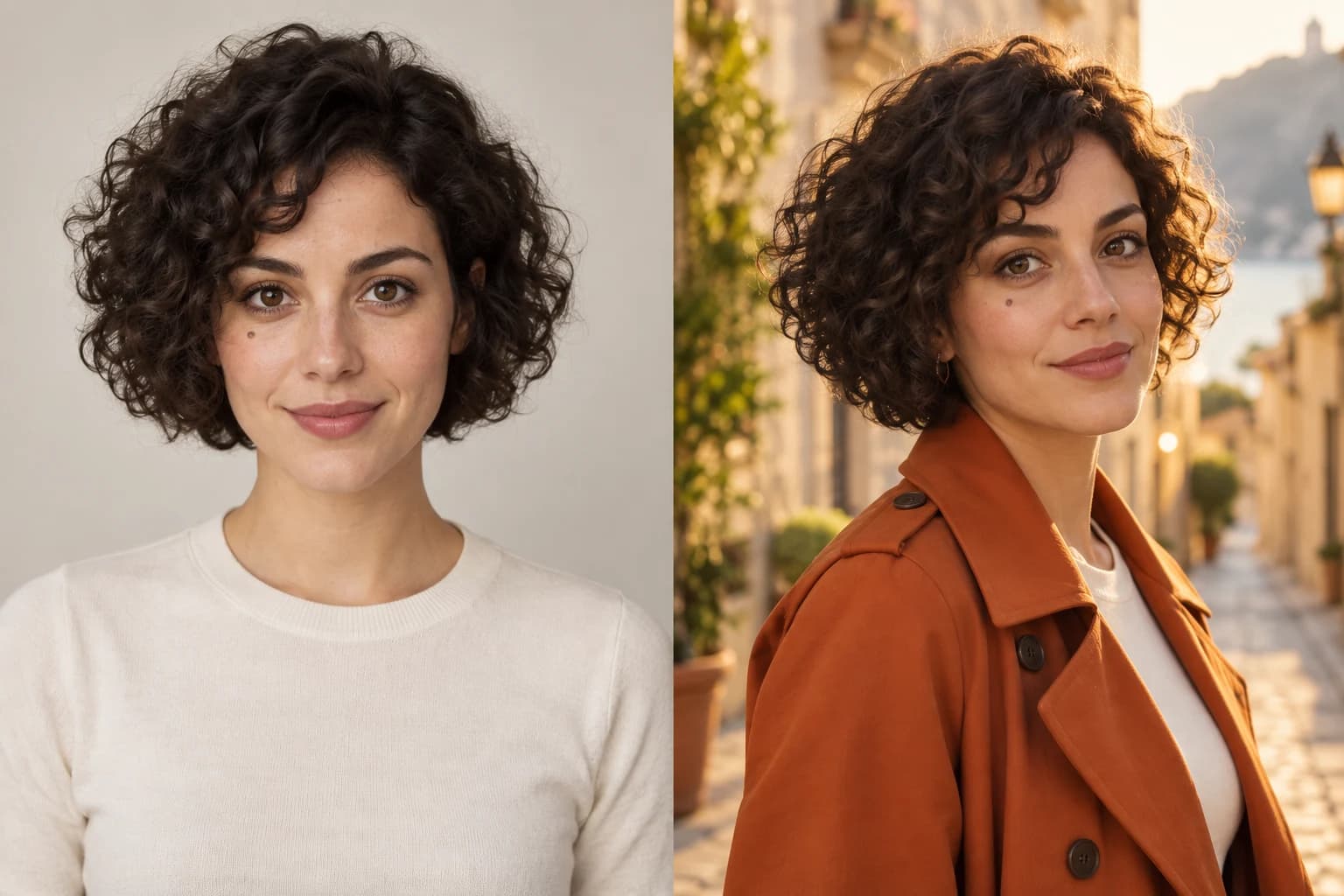
The same woman shown in a studio portrait and a warm outdoor fashion scene with consistent facial identity
Before
After

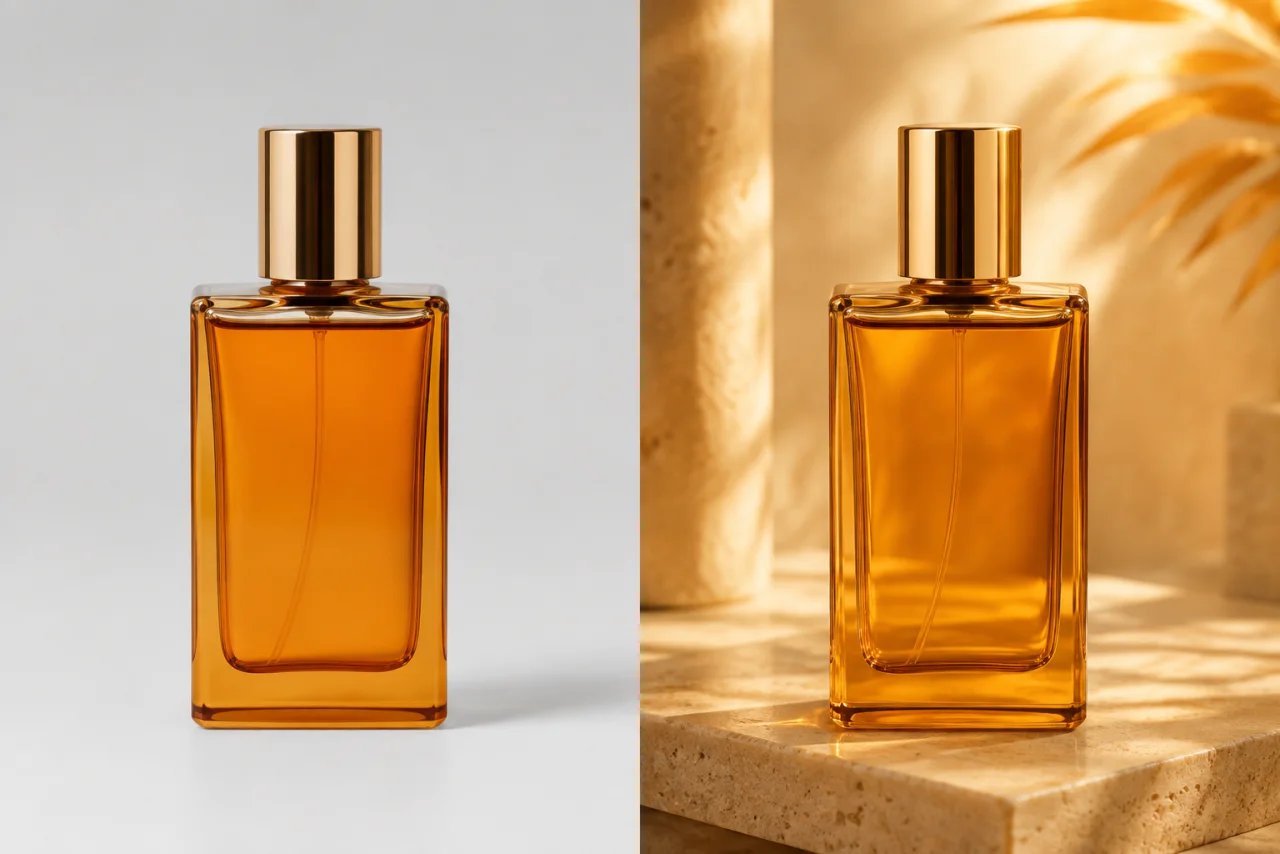
Precise Image-to-Image Editing with Prompts

Make precise adjustments to eyes, skies, logos, products, and backgrounds without changing the rest of your image. Refine the details you care about while preserving the original composition.

Try Image to Image AI
Before and after perfume product photo transformed into a premium campaign visual
Before
After

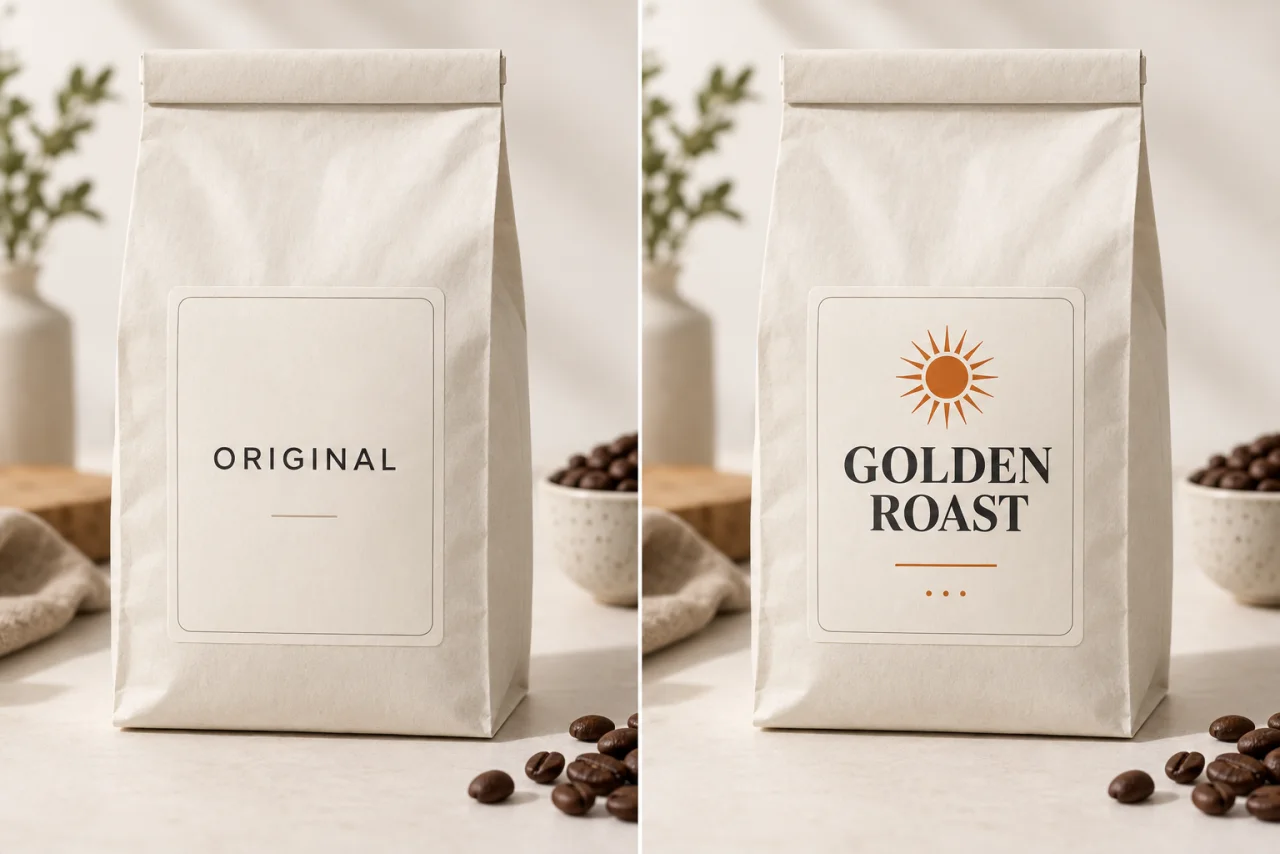
Edit Text and Details Inside Images

Blend text, captions, and watermarks naturally into any photo. The editor adapts lighting and perspective so brand marks and marketing copy look like part of the original shot.

Try Image to Image AI
Coffee packaging label changed from Original to Golden Roast while preserving the product photo
Before
After

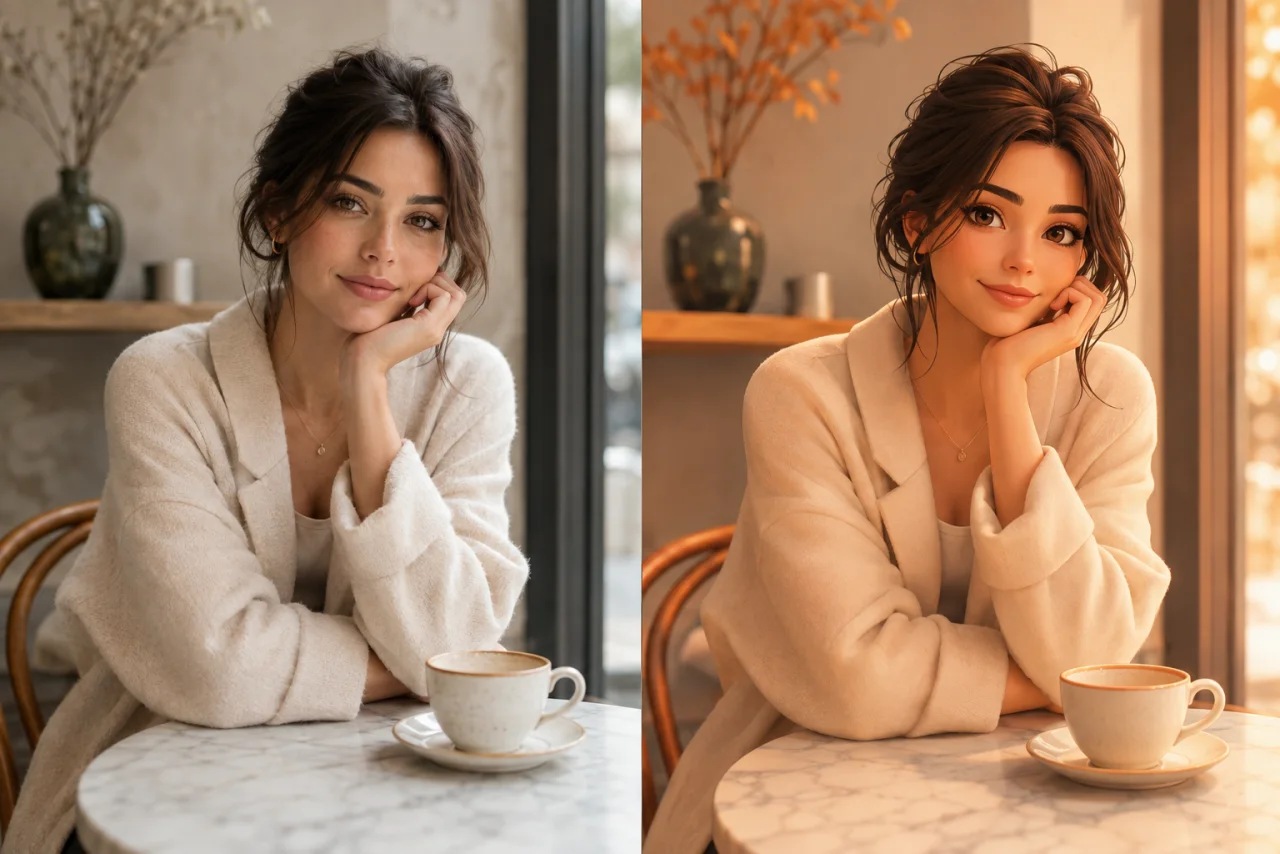
AI Style Transfer from a Reference Image

Upload a reference and recreate your photo with matching colors, textures, and artistic tones while preserving the important details. Explore new directions without rebuilding an image from scratch.

Try Image to Image AI
Before and after portrait transformed from photography into a polished 3D illustration
Before
After

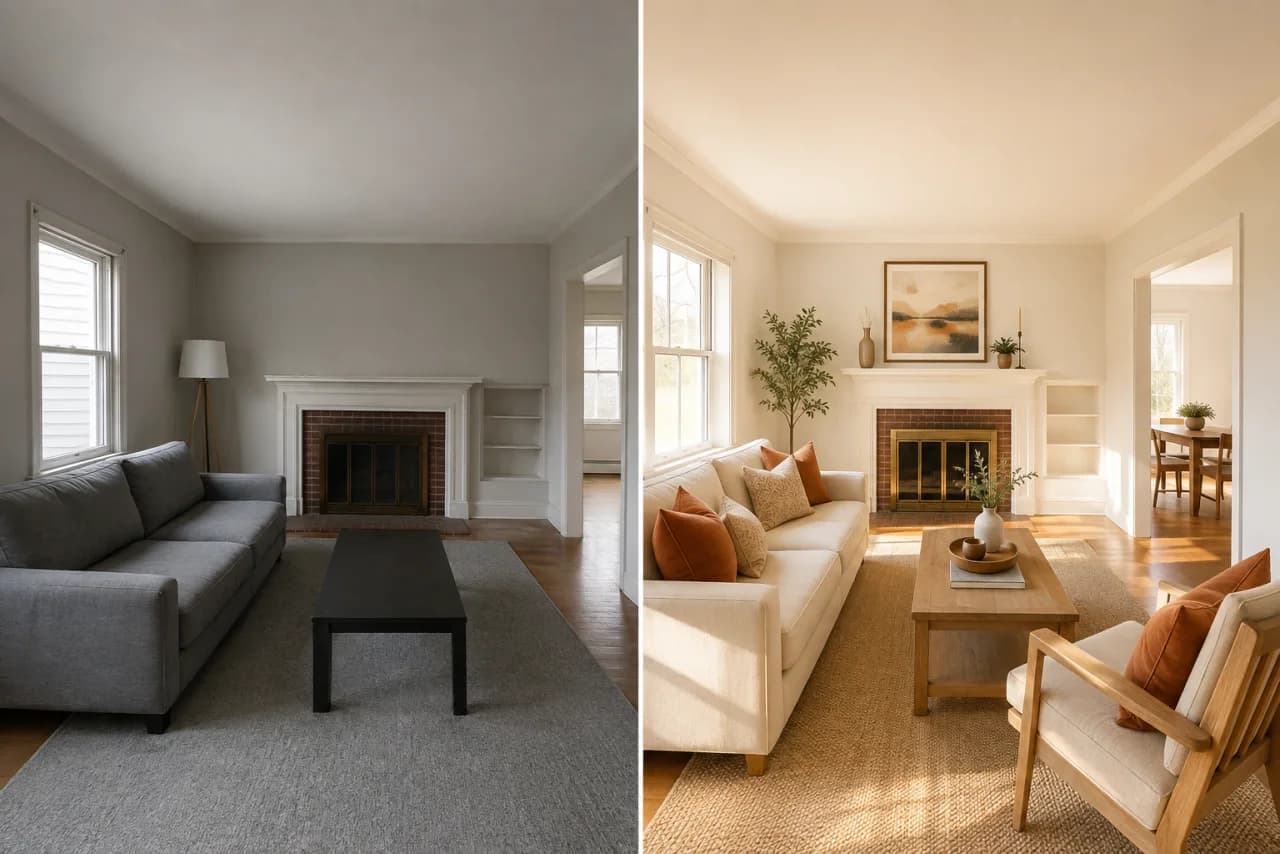
AI Background Replacement for Any Photo

Replace or remove photo backgrounds in seconds. Build clean product shots, polished portraits, and social content with a setting that matches your idea.

Try Image to Image AI
Before and after living room redesigned with warm modern furniture and lighting
Before
After

Image to Image AI for Real-World Creative Work

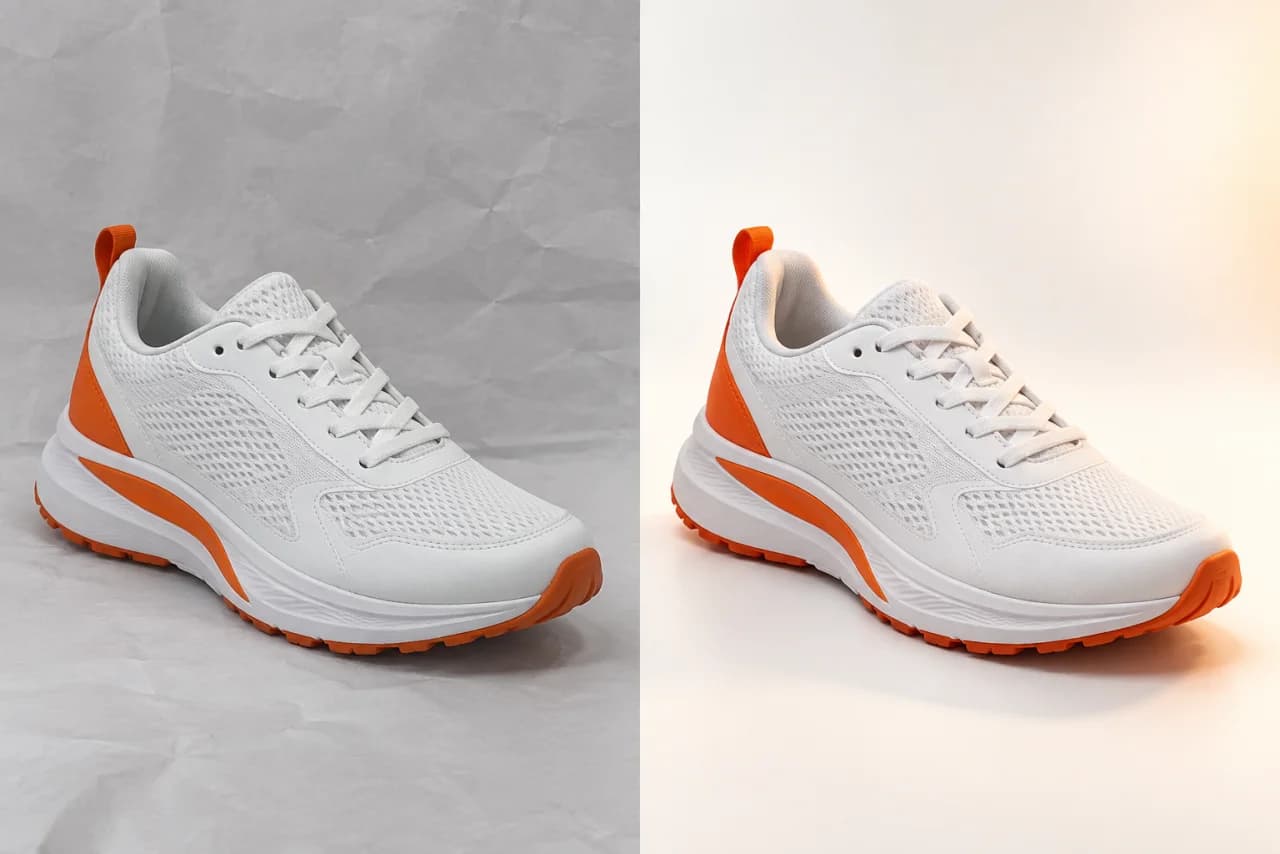
Athletic sneaker transformed from a basic seller photo into a polished online store product image

E-commerce & Online Stores

Turn ordinary product shots into clean, high-converting store visuals with new backgrounds, better lighting, and consistent styling.

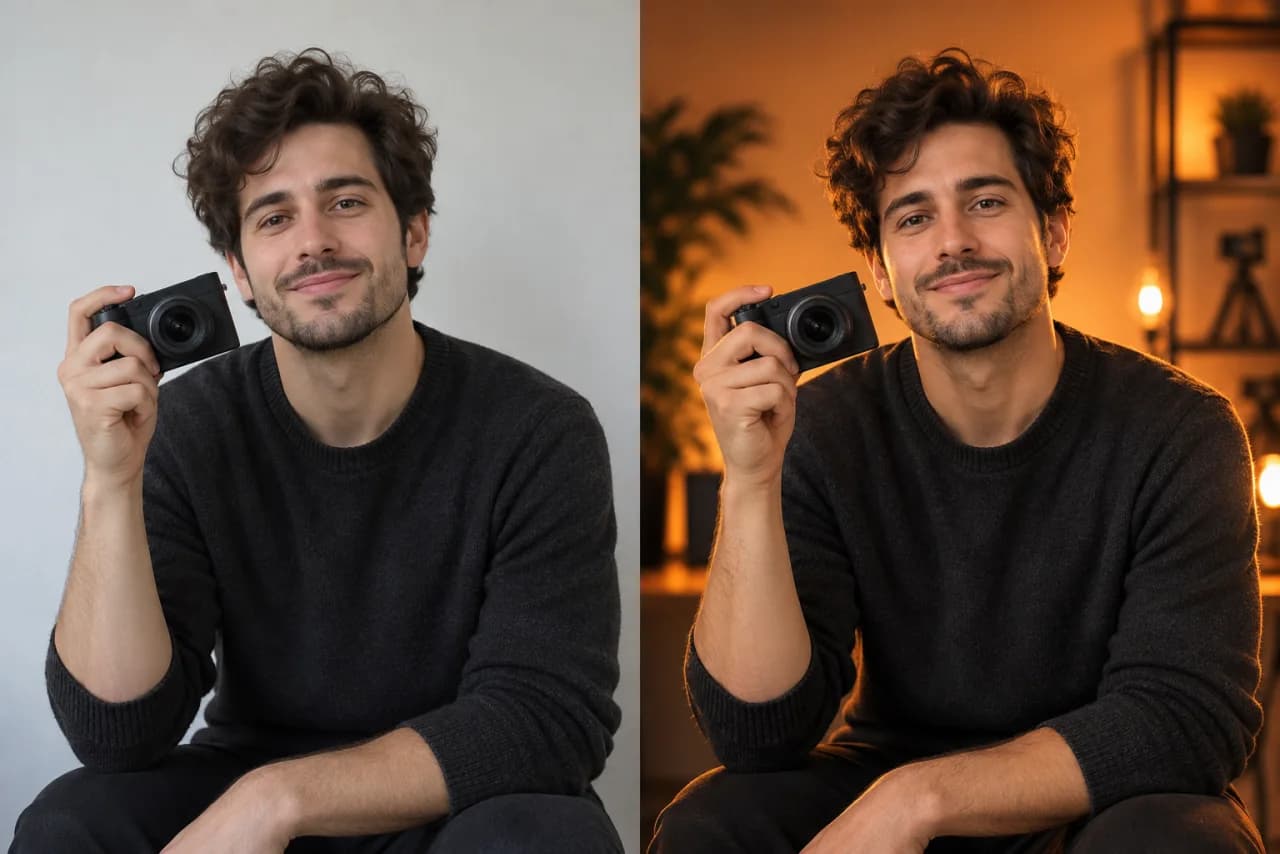
Content creator portrait transformed from a casual photo into a warm professional social media visual

Social Media & Content Creators

Create polished, scroll-stopping visuals for Instagram, TikTok, YouTube, and every campaign without a complex editing workflow.

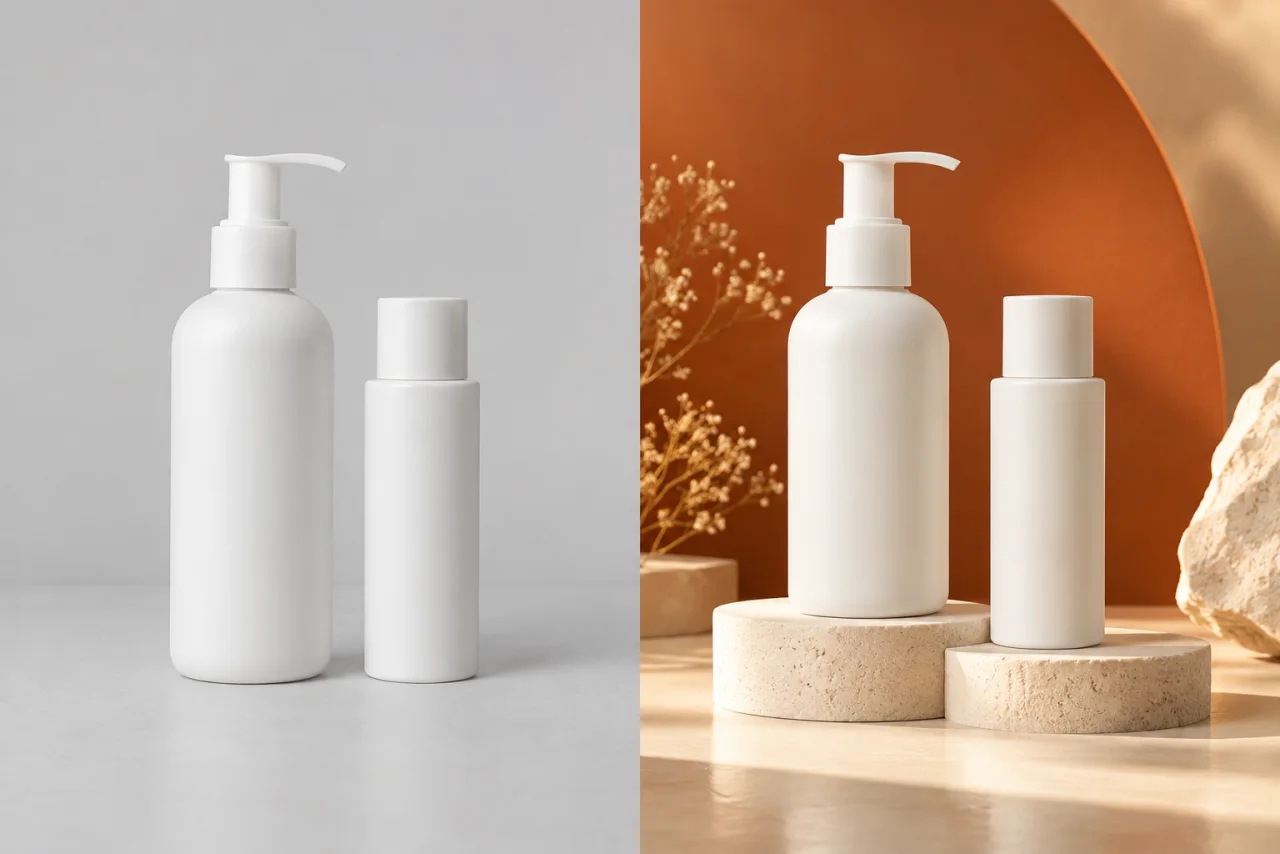
Skincare bottles transformed from a plain product photo into a professional advertising campaign image

Professional Marketing

Produce campaign visuals, ads, banners, and branded content faster while keeping every asset visually consistent.

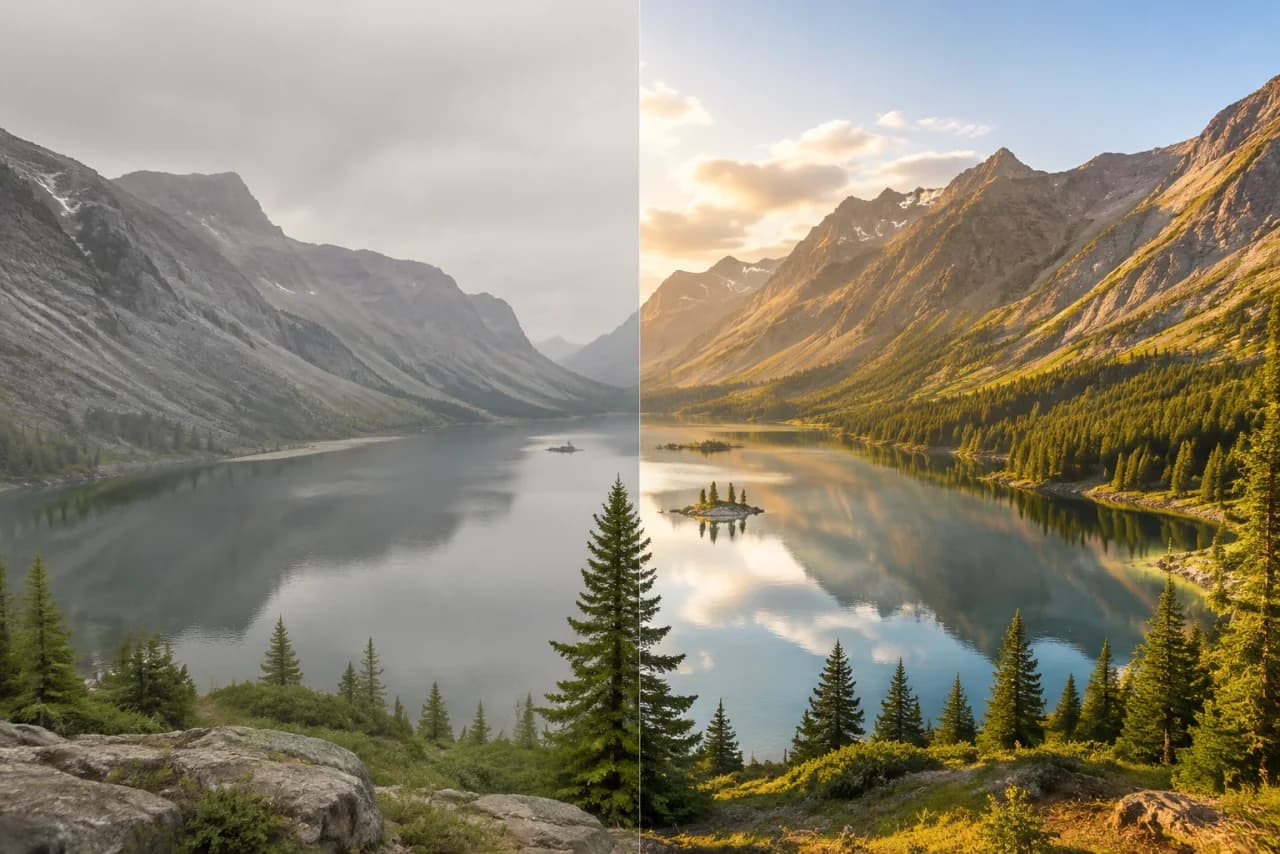
Before and after mountain landscape enhanced with clear golden-hour light

Photography & Personal Use

Retouch portraits, restore favorite memories, improve travel photos, or explore an entirely new look in a few clicks.

Why Use Our Image to Image AI Generator

Transform an existing image with prompts, model choice, and a focused browser workflow.

Professional-Grade Editing Online

Background replacement, object removal, retouching, and style transfer come together in one focused browser workspace.

Smarter AI, Cleaner Results

The editor understands composition and preserves faces, proportions, and important details so each change feels natural.

Multiple AI Models for Every Workflow

Choose the right model for quick edits, precise creative work, product photography, portraits, or marketing visuals.

SIMPLE WORKFLOW

How to Use Image to Image AI Online

1

Choose an Image to Image AI Model

Choose a model based on the speed, detail, and creative control your edit needs.

2

Upload Your Image

Add a clear JPG, PNG, or WebP image. Your original becomes the visual foundation for the transformation.

3

Describe Your Vision

Write a simple prompt explaining what to add, remove, restyle, or improve.

4

Generate & Download

Review the result, refine your prompt when needed, and download the finished image.

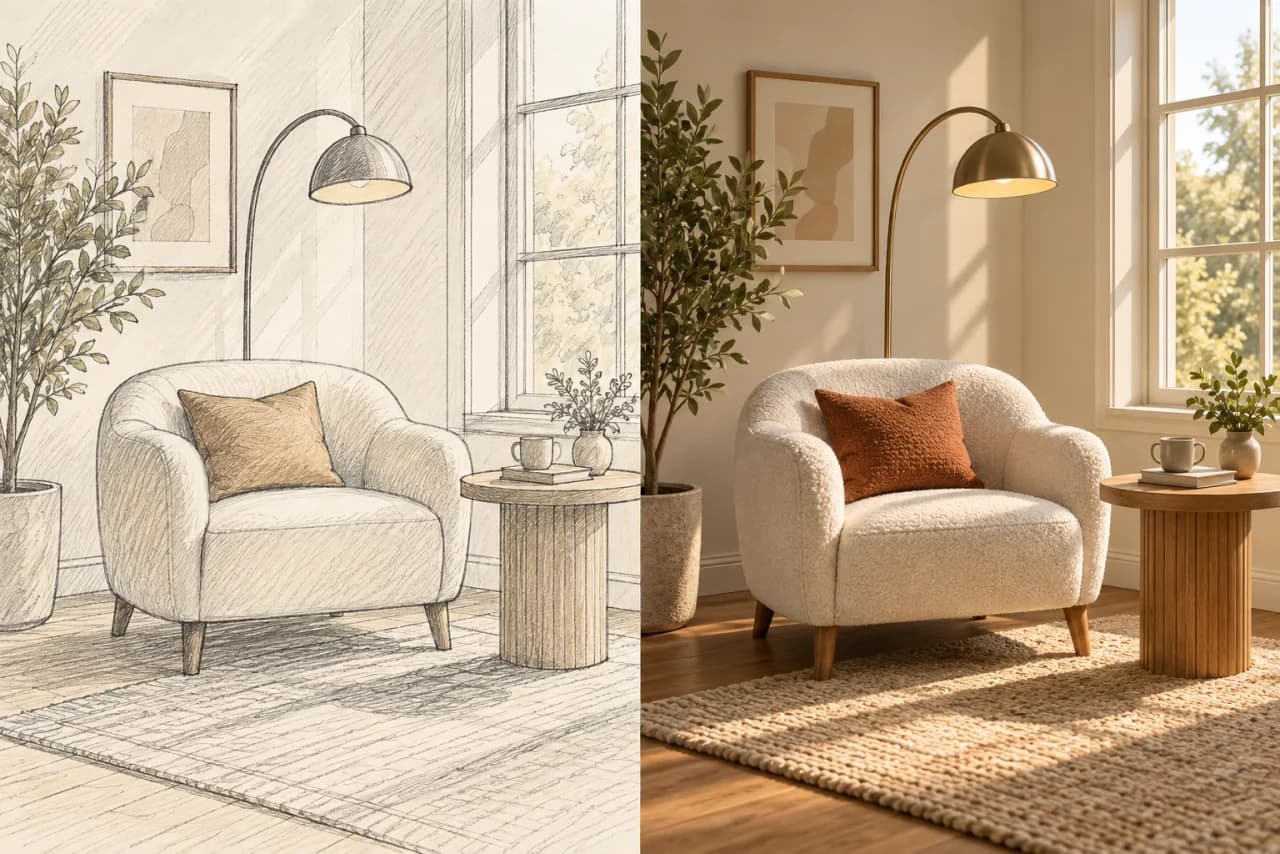
Interior design sketch transformed into a photorealistic reading corner
Before
After
Ready in seconds

Testimonials

How Image to Image AI Fits Different Creative Workflows

Laura K.

E-commerce Brand Owner

I can turn a basic supplier photo into a cleaner campaign concept without rebuilding the whole scene. The prompt workflow is easy to repeat across a collection.

Mike J.

Content Creator

Image to Image helps me test thumbnail directions while keeping the core subject recognizable. I can explore several visual ideas from one reference.

Priya S.

Product Photographer

I use it during pre-production to explore backgrounds, lighting moods, and compositions before a client shoot. It makes creative approval more concrete.

Elena R.

Interior Designer

Starting from a room photo, I can visualize different materials and color palettes while preserving the layout. It is useful for early concept conversations.

Daniel T.

Marketing Designer

The model choices let me balance quick iteration and detailed output. I use the results to develop campaign directions before final production.

Sofia M.

Fashion Stylist

It is a practical way to preview styling, color, and location ideas from an existing look. The reference image keeps the concept grounded.

James W.

Game Concept Artist

I can restyle an early sketch and compare visual directions without losing the original composition. That makes review rounds much easier to discuss.

Hannah C.

Real Estate Marketer

Image-to-image edits help me create seasonal staging concepts and cleaner listing visuals from the photography I already have.

Omar A.

Restaurant Owner

I use a real dish photo as the reference, then explore new backdrops for menus and social posts. It keeps the food at the center of the image.

FAQ

Frequently Asked Questions

IImage to Image

Transform existing images with prompts and leading AI image models.

Product
  • Image to Image
  • AI Image Editor
  • My Creations
Resources
  • Privacy & Cookies Policy
  • Terms and Conditions
  • Refund Policy
  • Pricing
  • Contact Us
© 2026 Image to Image. All Rights Reserved.